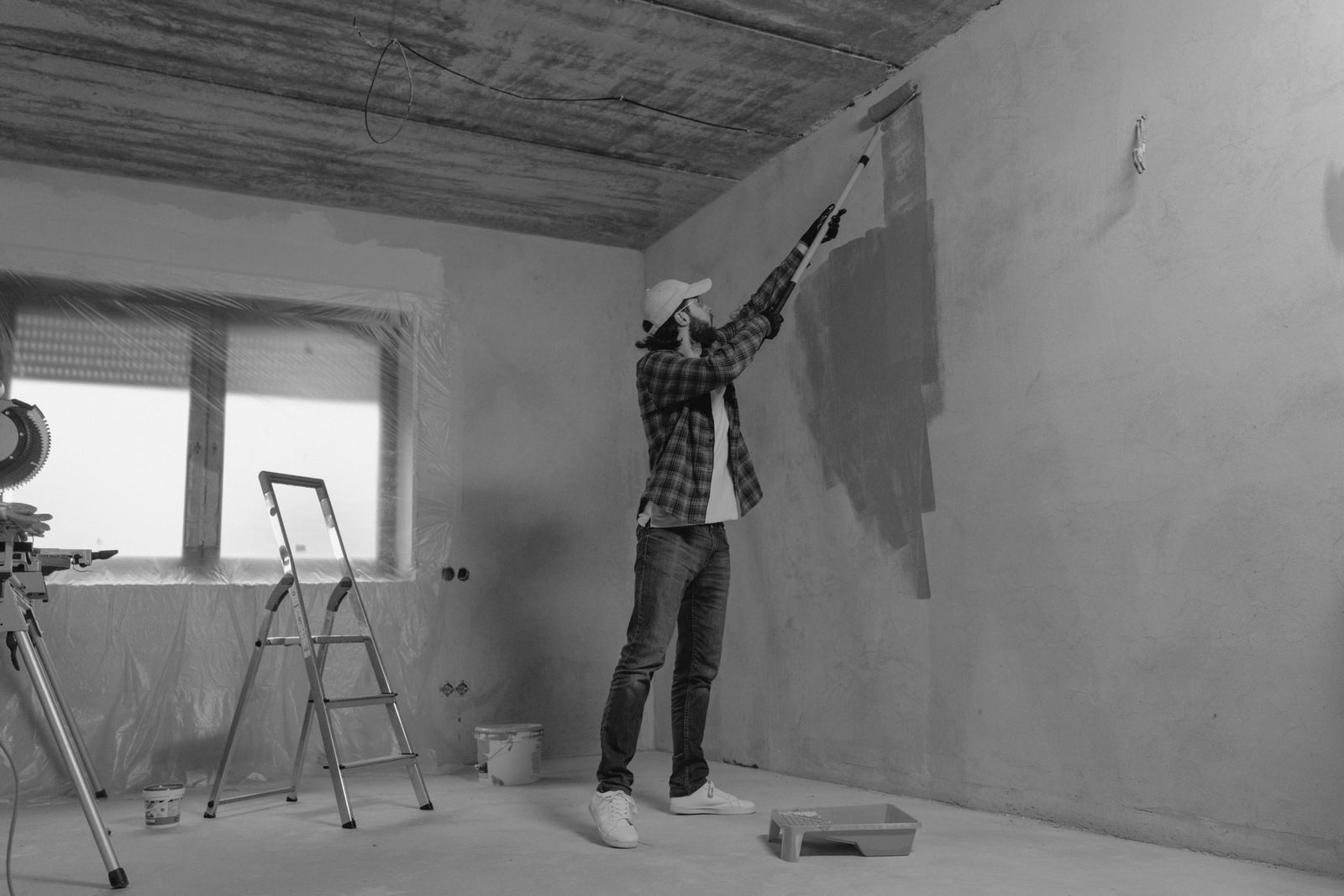
Estimated read time: 11 minutes
Painting looks like the simplest trade to run. A ladder, some drop cloths, a good crew, and a truck full of buckets. Then you try to quote six jobs in a week, schedule three crews around weather and cure times, chase deposits, and remember which client wanted the semi-gloss in the hallway. Suddenly the software question is the whole business.
This guide covers the best painting contractor software for small shops, from solo painters to crews of ten or fifteen. We describe how each tool is positioned and who it fits rather than quoting prices, because prices change often and the right choice depends more on how you work than on the monthly fee. Check each vendor’s current plans before you commit.
If you take one thing from this article, take this: the best tool is the one your crew will really open every morning. Fancy features that nobody uses are expensive decoration.
Table of Contents
- TL;DR: the short answer
- What painting contractors actually need from software
- Estimating and proposal software
- Scheduling, dispatch and crew management
- Invoicing, deposits and getting paid
- Job costing and growing past residential repaints
- How to choose without wasting a month
- Common mistakes painters make when buying software
- What a good week looks like with the right software
- The bottom line
- Frequently Asked Questions
- Related Coverage
TL;DR: the short answer
If you want a painting-specific estimating tool that turns measurements into polished proposals, look at a painting-focused product such as PaintScout. If you want a general field service platform that handles quoting, scheduling, invoicing, and payments in one place, Jobber and Housecall Pro are the two names most small contractors compare first. If you mostly need clean estimates and invoices without the extras, a lightweight tool like Joist can be enough. If your bookkeeping lives in QuickBooks, pick whatever syncs with it cleanly.
- Best for estimating accuracy: a painting-specific estimator.
- Best all-in-one for small crews: a field service platform with scheduling and payments.
- Best for solo painters on a budget: a simple estimate and invoice app.
- Best for growth into commercial work: construction-style project software with change orders and job costing.
What painting contractors actually need from software
Painting has quirks that generic business software ignores. Before you compare products, write down the jobs your software must do. Most painters need the following, in roughly this order of importance.
- Fast, accurate estimating. Square footage, wall and ceiling counts, trim, doors, prep difficulty, number of coats, and paint cost all feed a quote. The less you retype, the fewer mistakes you make.
- Professional proposals. A good-looking proposal with good, better, best options often wins against a text message with a number in it.
- Scheduling and crew dispatch. Painters juggle weather, drying time, color approvals, and customer access. A shared calendar crews can see on their phones saves a lot of calls.
- Deposits and payments. Collecting a deposit on acceptance and a final payment on completion keeps cash flow healthy.
- Invoicing and bookkeeping sync. Anything that does not talk to your accounting tool creates evening data entry.
- Customer communication. Appointment reminders, on-the-way texts, and review requests make a small shop look like a bigger one.
Notice that nothing on that list requires a six-figure enterprise system. Match your software to the size of your operation today, with a little room to grow.
Estimating and proposal software
The estimate is where painters make or lose money. Underquote and you work for free. Overquote and the customer calls the next painter. Software helps by making your pricing logic repeatable.
Painting-specific estimators
Tools built specifically for painters, such as PaintScout, are designed around how painting jobs are priced. They let you set production rates, material costs, and markup once, then build quotes by room, surface, or square footage. The proposal output is usually polished and includes color and product details. If estimating is your biggest headache, a dedicated tool deserves a trial before you look at anything broader.
Field service platforms with quoting built in
Platforms like Jobber and Housecall Pro treat the quote as the first step in a longer workflow. You build the quote, the customer approves it, and the job moves straight into scheduling and invoicing without retyping. The estimating is more general, using line items rather than painting-specific calculators, so you will want to save your common services as templates. For many small crews that tradeoff is fine.
Simple estimate and invoice apps
If you are a solo painter, tools in the style of Joist focus on quick estimates, invoices, and payments from a phone. They do not try to run your whole company, which is a feature when your whole company is you and a van.
Scheduling, dispatch and crew management
Once you have more than one crew, the calendar becomes a source of stress. A missed start time is a lost day for several people. Look for a scheduler that shows each crew’s day, lets you drag jobs around, and sends the customer a reminder automatically.
Field service platforms are strongest here. They typically give crews a mobile app to see their jobs, addresses, notes, and photos, and to mark work complete. For painters, the photo and notes features matter more than they sound: documenting prep work, color codes, and before-and-after shots protects you in disputes and powers your marketing.
If you run seasonal exterior work, make sure the tool lets you reschedule in bulk when rain moves a week of jobs. Ask for a demo of exactly that scenario. It is the single best test of whether a scheduler was built for outdoor trades.
For a deeper look at the broader category, see our guide to the best field service management software and our roundup of employee scheduling tools.
Invoicing, deposits and getting paid
Cash flow is the quiet killer of contracting businesses. You buy paint and pay crews before the customer pays you, so anything that speeds up payment is worth real money.
Choose software that lets customers approve a quote and pay a deposit in one step, then pay the balance by card or bank transfer from a link. Most field service platforms and simple invoicing apps support online payments, though processing fees vary and are worth reading carefully. Automatic reminders for unpaid invoices are another small feature with a big impact.
If you invoice larger commercial jobs on net terms and wait for payment, you may also want to read about invoice factoring and cash flow financing so you know the options before a slow-paying client puts you in a squeeze.
Job costing and growing past residential repaints
At some point, many painting companies move into commercial work, multi-unit properties, or larger renovation projects. Those jobs bring change orders, progress billing, lien waivers, and tighter margins. General field service tools can stretch to cover some of this, but you may outgrow them.
Construction-oriented project software handles budgets, change orders, and subcontractor tracking more thoroughly. It is overkill for a two-person crew, but worth a look if you are bidding bigger work. Our guide to construction estimating and bidding software covers that side of the market.
The practical advice is to avoid buying for the company you hope to be in three years. Pick software that fits now, confirm you can export your customer and job data, and upgrade when the pain is real.
How to choose without wasting a month
Most vendors offer free trials or demos. Use them properly instead of clicking around. Here is a short process that works.
- Pick two or three finalists based on whether your biggest problem is estimating, scheduling, or getting paid.
- Run one real job through each. Quote it, schedule it, invoice it. Time yourself.
- Hand the app to your crew lead. If they cannot figure it out in ten minutes, adoption will fail.
- Check the accounting sync. Confirm it connects to the bookkeeping tool you or your accountant uses.
- Read the cancellation and data export terms. You should be able to leave with your customer list intact.
Finally, ask other painters in your local trade groups what they use. Real-world complaints about a product’s quirks are worth more than any feature list.
Common mistakes painters make when buying software
A few patterns show up again and again. Buying the most expensive platform because it has the most features is the classic one. Close behind is skipping setup: software that is not configured with your actual pricing, templates, and service lists will feel clumsy, and people will blame the tool. Block out a few hours to build your service catalog properly.
Another mistake is ignoring the customer-facing side. Your proposal, reminders, and invoices are often the first thing a homeowner sees from your company. A clean, branded experience signals that you are organized and trustworthy, which supports higher prices.
Last, do not let software replace judgment. An estimate tool will happily multiply the numbers you give it. A crusty old plaster wall that needs triple the prep still needs a painter’s eye before the number goes out.
What a good week looks like with the right software
It helps to picture the payoff. On Monday morning you open one screen and see every crew, every job, and every deposit status. A customer who asked for a quote on Friday night already has a proposal waiting, because you built it from your phone at the kitchen table using saved templates. By Tuesday that customer has approved it and paid the deposit from a link, and the job has dropped onto the calendar without anyone retyping the address.
On Wednesday it rains. Instead of eleven phone calls, you shift the week’s exterior jobs in a few taps, and the system texts each homeowner the new start time. On Thursday a crew lead snaps before-and-after photos and leaves color notes on the job, which means the next person who touches that house knows exactly what went on the walls. On Friday you send invoices from the same records, and the money starts moving before the weekend.
None of that is magic. It is simply what happens when quoting, scheduling, photos, and payments live in one connected place instead of in your head, a notebook, and a pile of texts. The painters who get the most from software are rarely the ones with the most features. They are the ones who pick a tool, set it up properly, and use it the same way every single time.
The bottom line
The best painting contractor software is the one that fits your size and your biggest bottleneck. Dedicated estimators help painters who live and die by quotes. All-in-one field service platforms help growing crews who need scheduling, payments, and customer messaging in one place. Simple apps help solo painters who want to get paid quickly and move on.
Start with a trial, run a real job, and let your crew vote with their thumbs. A tool that saves you an hour of paperwork per job pays for itself faster than almost any other upgrade, including the new sprayer.
Frequently Asked Questions
What is the best software for a small painting business?
It depends on your size and bottleneck. Painting-specific estimators suit painters focused on accurate quotes, while field service platforms like Jobber or Housecall Pro suit crews that want quoting, scheduling, and payments together. Solo painters can often get by with a simple estimate and invoice app.
Do I need painting-specific software or general field service software?
General field service software works for many painters if you save your common services as templates. Painting-specific tools add production rates and surface-based calculators, which helps if your estimates are complex or you bid a lot of repaint work.
How much does painting contractor software cost?
Pricing varies by vendor, number of users, and features, and it changes often. Check each vendor’s current plans and compare total cost, including payment processing fees, rather than just the headline monthly price.
Can painting software connect to QuickBooks?
Many field service and invoicing platforms offer QuickBooks syncing. Confirm which edition they support and what data syncs before you buy.
Is free painting software good enough?
Free tools can handle basic estimates and invoices for a solo painter. As you add crews, scheduling, and deposits, a paid platform usually saves more time than it costs.
How long does it take to set up?
A simple app can be running in an afternoon. A full platform with your service catalog, templates, crew accounts, and accounting sync is better planned as a week of part-time setup.
Related Coverage
- Best Field Service Management Software: the broader dispatch and scheduling category
- Best Construction Estimating and Bidding Software: for painters moving into larger commercial bids
- Best Landscaping and Lawn Care Software: another seasonal, outdoor trade with similar needs
Faceted Media Magazine covers business, AI, and entrepreneurship for the people building what’s next.